What Is Streaming and How Does It Work?
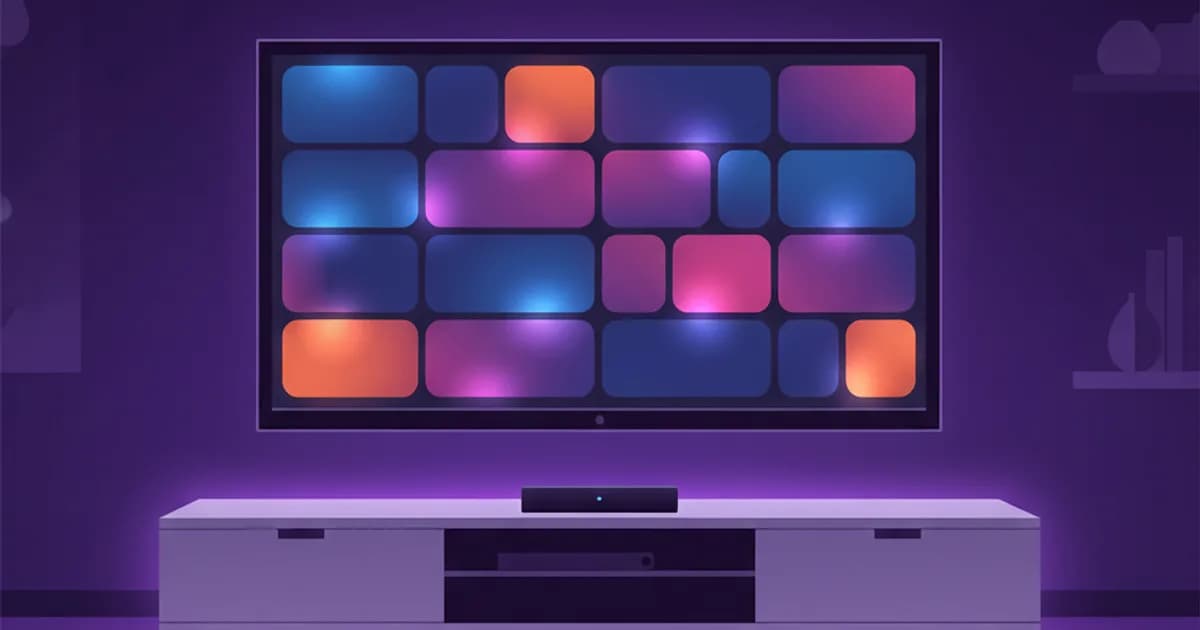
Streaming — Internet Protocol Television — is live TV delivered over the internet instead of through an aerial, satellite dish or cable line. That's the whole concept. The Networks are the same kind you'd get from Sky or Comcast; the delivery route is your broadband.
This guide explains how the system works in plain English, where it differs from cable and from Netflix-style apps, and what you actually need to start watching.
How Streaming Works, Step by Step
- The provider ingests Networks at its data centers — hundreds or thousands of live feeds from around the world.
- Each channel is encoded into an internet-friendly video stream (the same H.264/H.265 formats YouTube and Netflix use), usually at several quality levels.
- Streams are distributed across servers globally, so viewers connect to a server near them (this is where terms like load balancing and anti-freeze come from — capacity engineering so streams survive peak demand).
- Your app requests a channel using the login your provider gave you, and the stream plays within seconds.
The "internet protocol" part simply means TV travels as data packets — the same plumbing as every website and video call.
Streaming vs Cable vs Satellite vs Streaming Apps
| Cable/Satellite | Streaming apps (OTT) | Streaming | |
|---|---|---|---|
| Delivery | Dedicated line/dish | Internet | Internet |
| Live Networks | Yes (regional) | Limited | Thousands, global |
| On-demand | Limited | Excellent | Large libraries |
| Hardware | Their box | Any device | Any device |
| Typical cost | £40–80/mo | £8–15 per app | £6–15/mo total |
The practical differences: Streaming needs no installation visit or dish, works on devices you already own, isn't limited to your region's Networks, and costs a fraction of traditional TV. The full Streaming-vs-OTT distinction (with the technical detail) is in our Streaming vs OTT comparison.
The Vocabulary You'll Meet
- M3U playlist — a file/URL containing your channel list; the universal Streaming format. (Full explainer)
- Xtream Codes — a login standard (server + username + password) most modern apps use. (Guide)
- EPG — the electronic programme guide, your on-screen TV schedule. (What is EPG?)
- VOD — video on demand; the movies/series library included with good subscriptions.
- Player app — the software that plays your Membership: Streaming Smarters, TiviMate, UHF and others.
What Does "Smart Streaming" Mean?
Two things, context depending. Generically, it means Streaming on a smart TV — running the service directly on Samsung/LG/Android TVs with no external box; our Samsung & LG setup guide covers it. Specifically, Smart Streaming (SIPTV) is also the name of a long-running player app on Samsung and LG TVs. Either way, the Membership works the same — the TV is just another device.
What You Need to Start
- Internet: 10+ Mbps for HD, 25+ Mbps for 4K, per stream. Test yours with the Streaming speed test.
- A device: anything made in the last decade — smart TV, Firestick, Android box, iPhone/iPad, PC.
- A Membership: this is the part that decides your experience. Channel lists look similar across providers; peak-hour server quality doesn't. Our best Streaming UK and best Streaming USA rankings explain how to compare — and the legality explainer covers how to choose responsibly.
Common Questions
Is Streaming legal?
The technology, unambiguously yes — Sky Stream and BT TV are Streaming. Individual services depend on licensing; the details are in Is Streaming legal in the UK?.
Does Streaming work on normal TVs?
Yes — add a £30 Firestick or any Android box to any TV with HDMI.
How much does it cost?
Quality services run £6–£15/month depending on term length; the full economics are in how much does Streaming cost.
The Bottom Line
Streaming is simply television that arrives through your broadband — global channel lineups, on-demand libraries and 4K quality at a fraction of cable pricing, on devices you already own. The fastest way to understand it is to use it: StreamHub's 24-hour free trial needs no credit card and takes minutes to start.